Why Your AI Track Sounds Almost Right — and What to Fix First
Use a 30-second listening test to decide whether to repair, rebalance, work from stems, or generate again.
Run the 30-second triageA field guide for the track you almost love.
Start with what you can hear: a glassy top end, a buried vocal, a brittle chorus, or a mix that falls apart outside your headphones. Then choose the smallest useful fix.
Start here
One short loop. One clearly named defect. One bounded change. That is enough to avoid most destructive cleanup.
Use a 30-second listening test to decide whether to repair, rebalance, work from stems, or generate again.
Run the 30-second triageChoose what you hear
Do not choose a plugin yet. Choose the description that sounds closest to the problem in your file.
The complete blog
21 practical routes from first diagnosis to a fair final comparison. Every published page is linked here.
Use a 30-second listening test to decide whether to repair, rebalance, work from stems, or generate again.

Separate steady noise from the moving, glassy texture that follows notes, cymbals, and reverb tails.
Find the moment a bright chorus becomes painful, then reduce the edge without removing its energy.

Learn which synthetic vocal defects can be softened and which ones need a replacement or re-roll.
Control spitty consonants without pushing a clear vocal into a dull, lispy result.

Tell level problems from low-mid masking before you cut frequencies from the whole mix.
Use a source-quality gate to decide whether the track is ready for mastering or still needs repair.

Test the song on headphones, a small mono speaker, and a full-range system before sharing it.
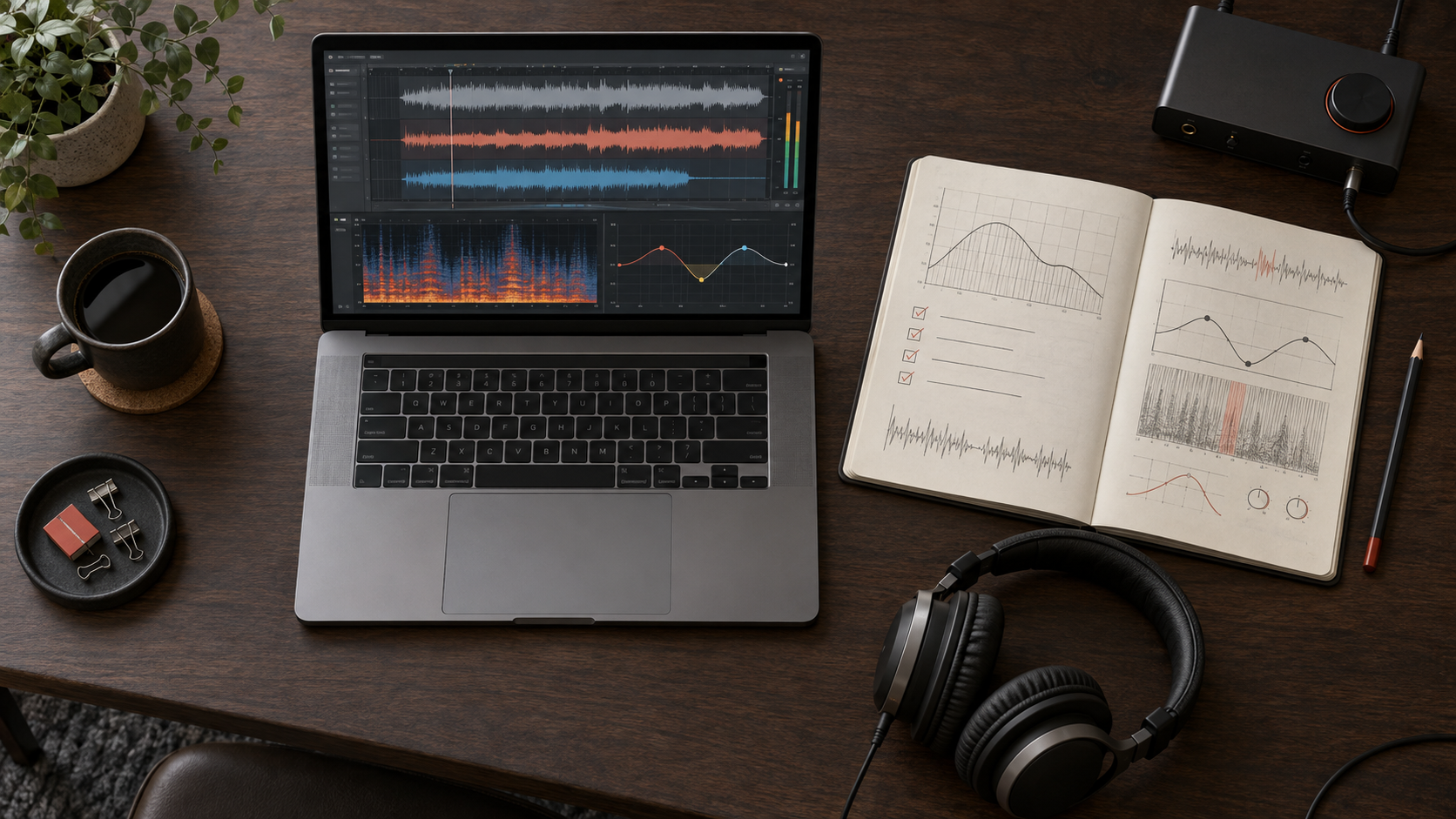
Build a restrained repair chain around headroom, shimmer, masking, and cohesion instead of stacking random plugins.
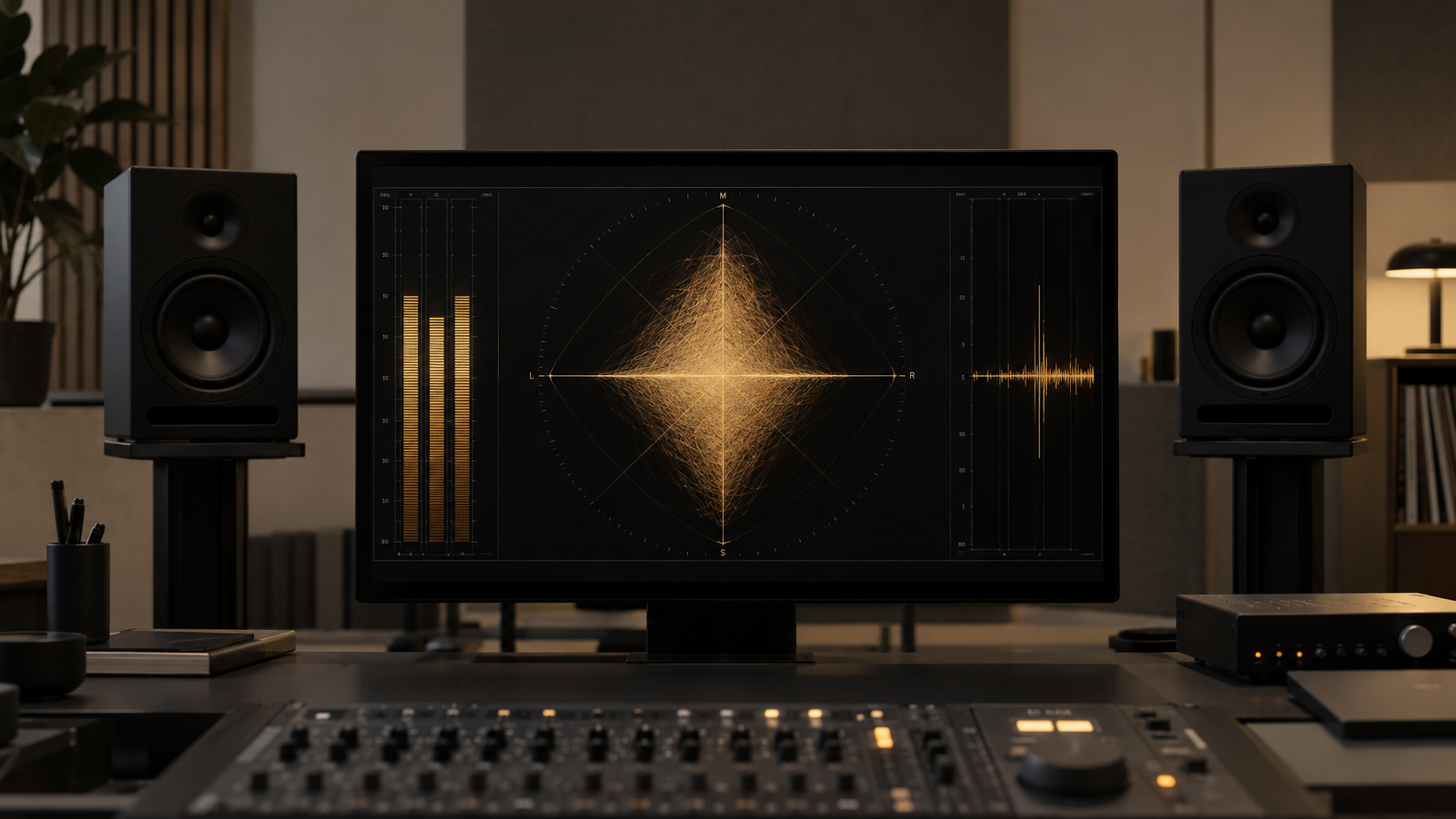
Inspect stereo width, vocal focus, and phase before deciding whether to repair, mix, or leave the file alone.
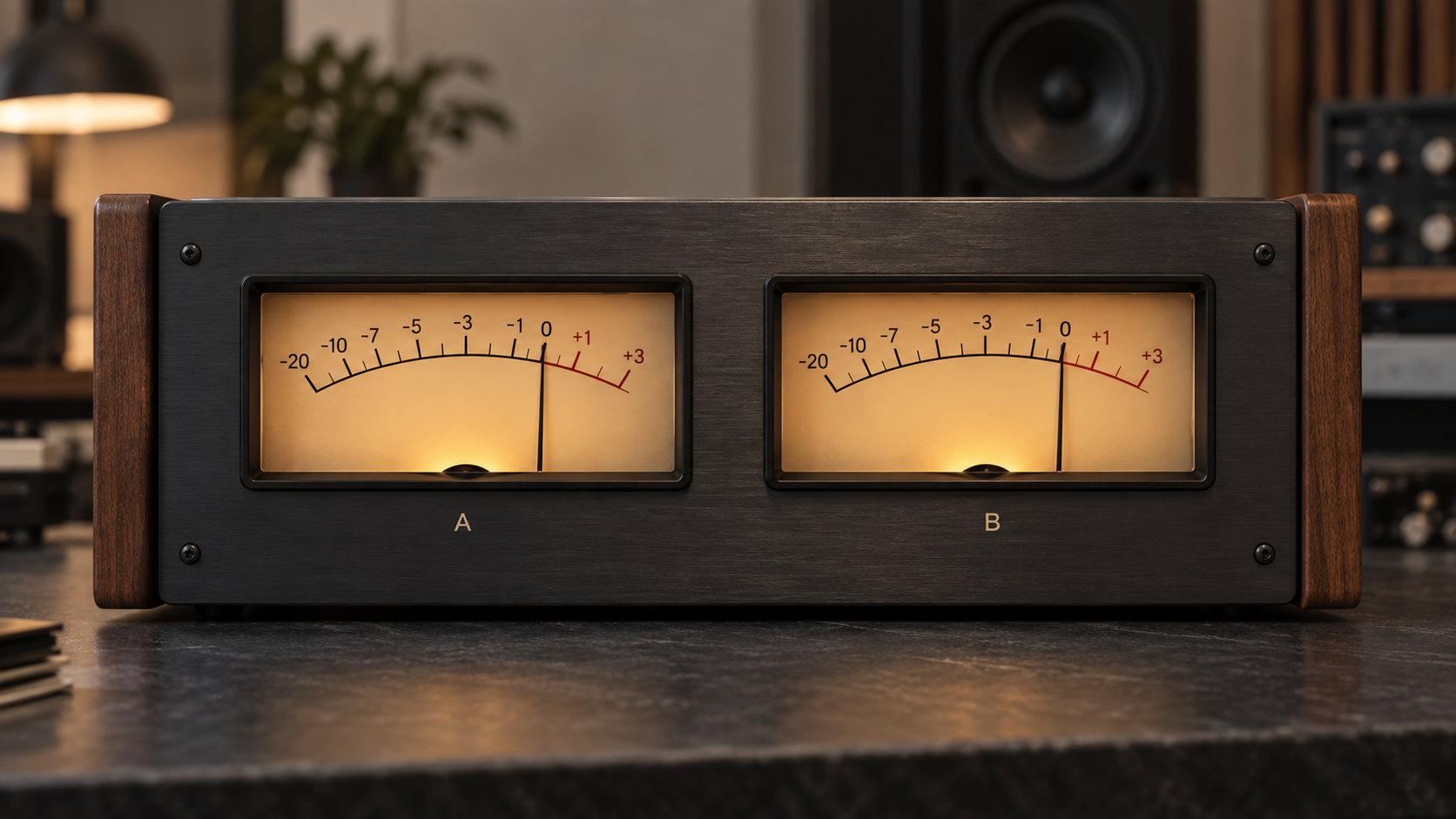
Level-match the original and processed versions so loudness does not disguise musical damage.
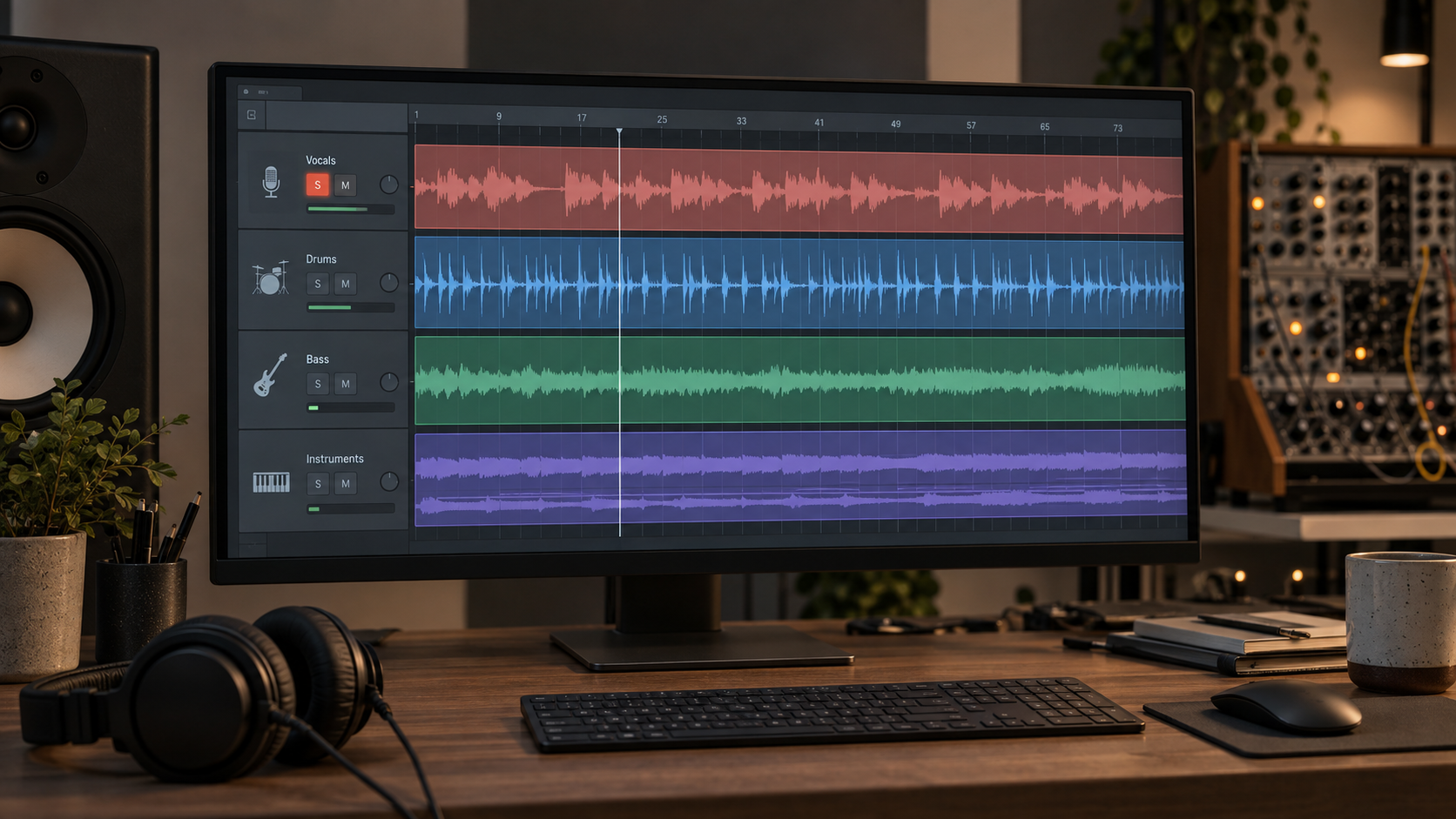
Choose the file that gives you room to fix the problem without adding separation bleed or phase wash.
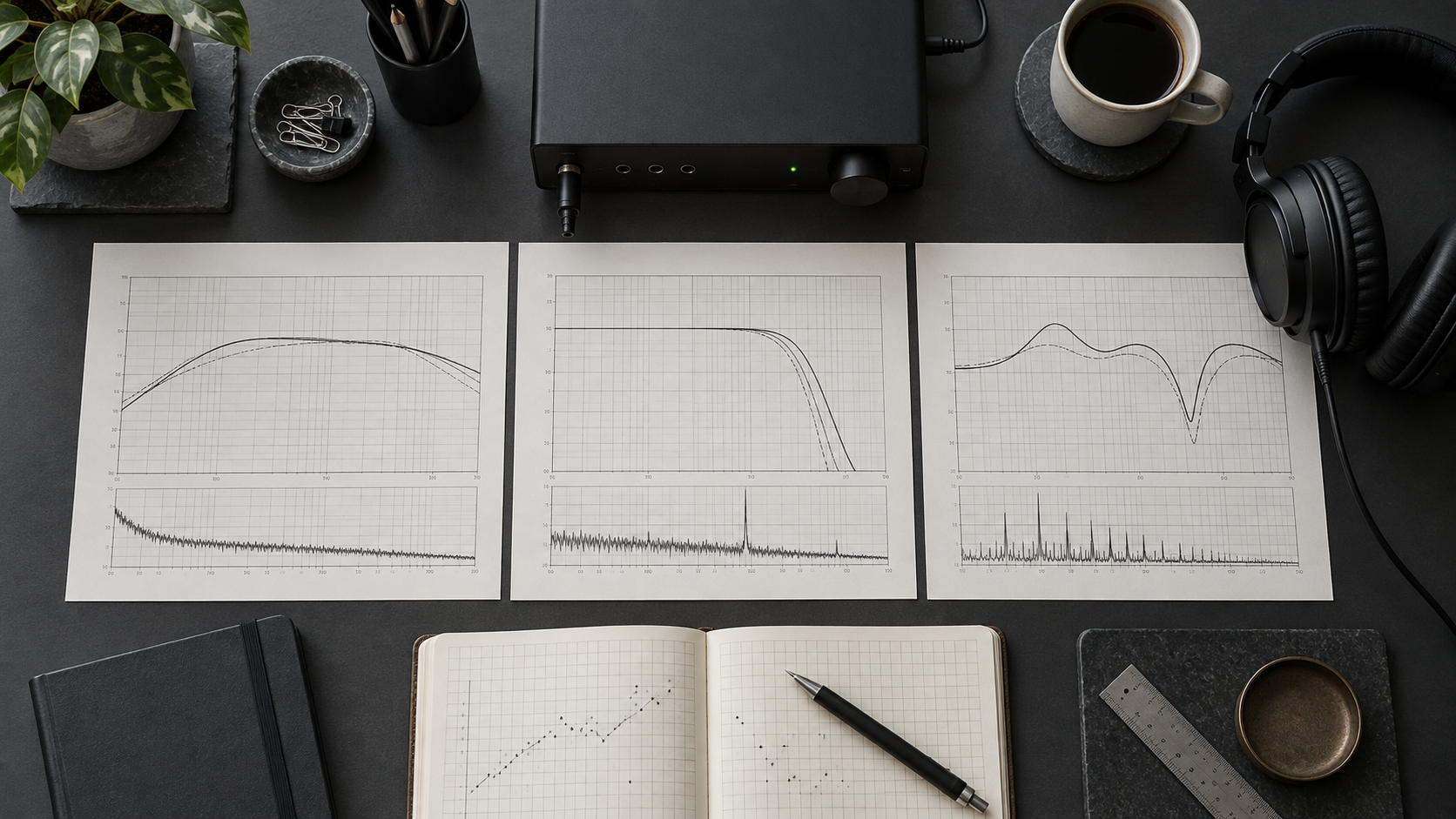
Judge cleanup software with five repeatable tests for artifact reduction and collateral damage.
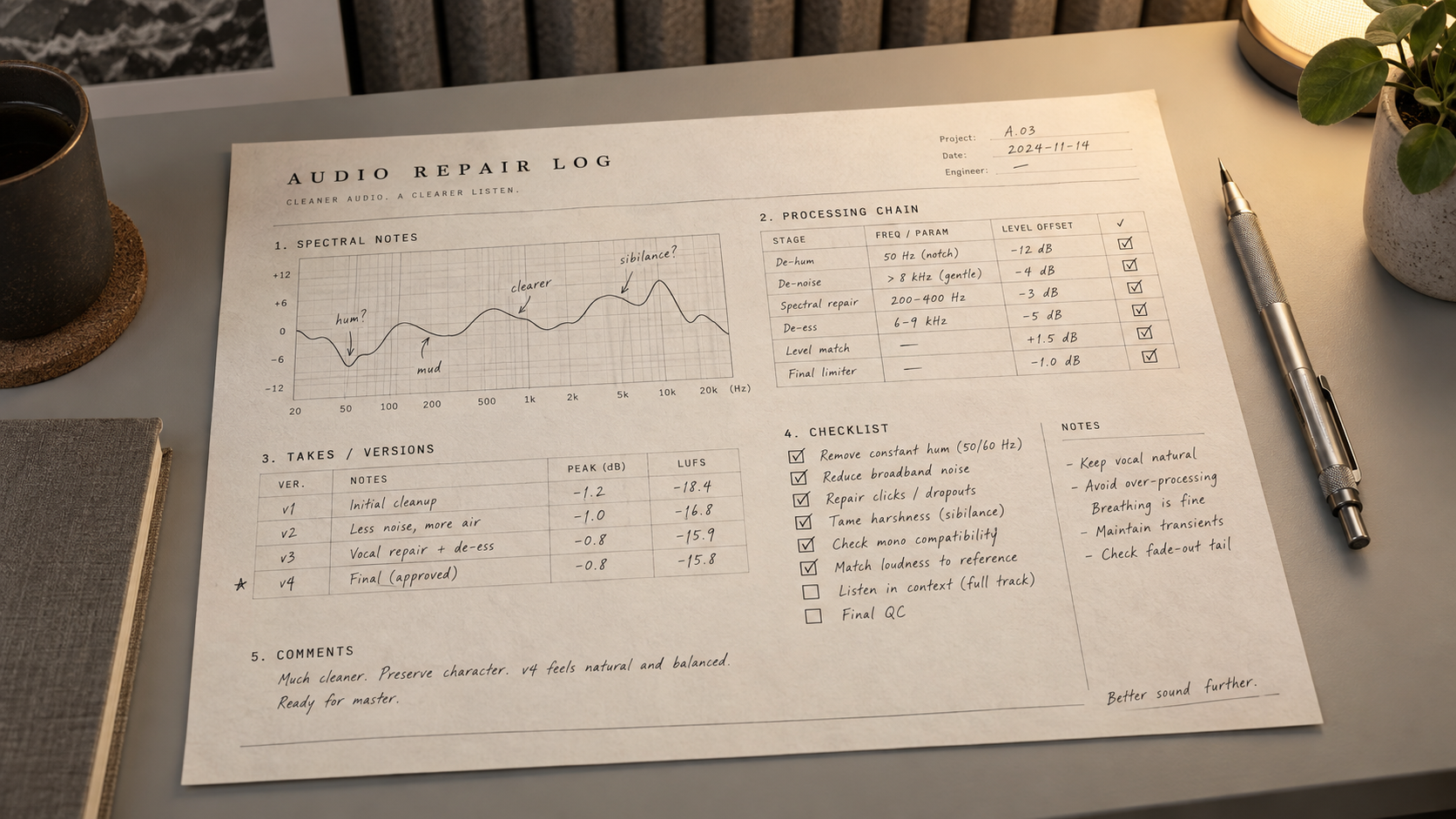
Build a repair log that records one reversible change and one level-matched result at a time.

Compare headphones, a phone speaker, and a car or full-range system to find where the mix falls apart.
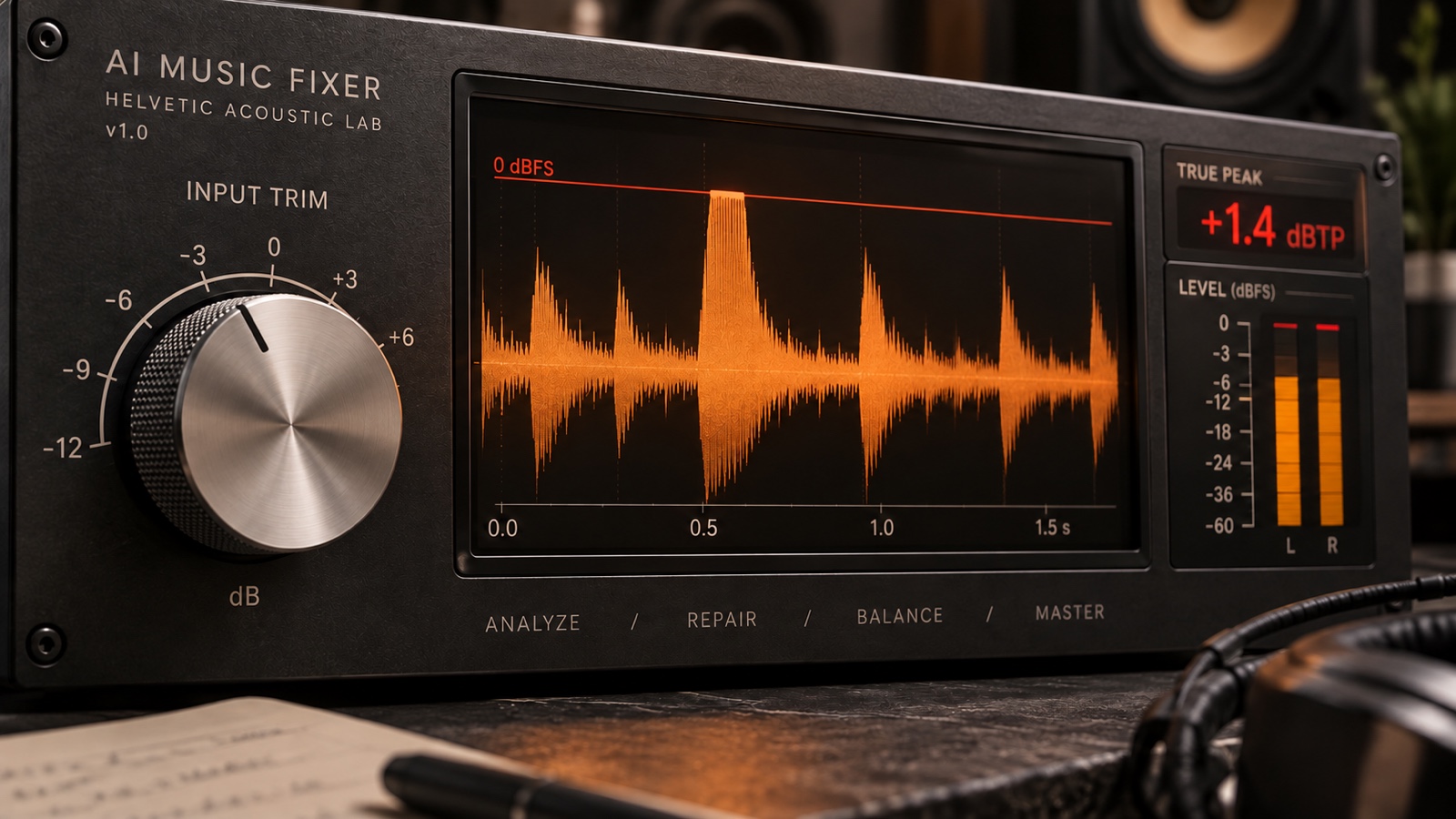
Separate playback overload from clipped peaks and embedded crackle, then choose selective repair or a replacement section.
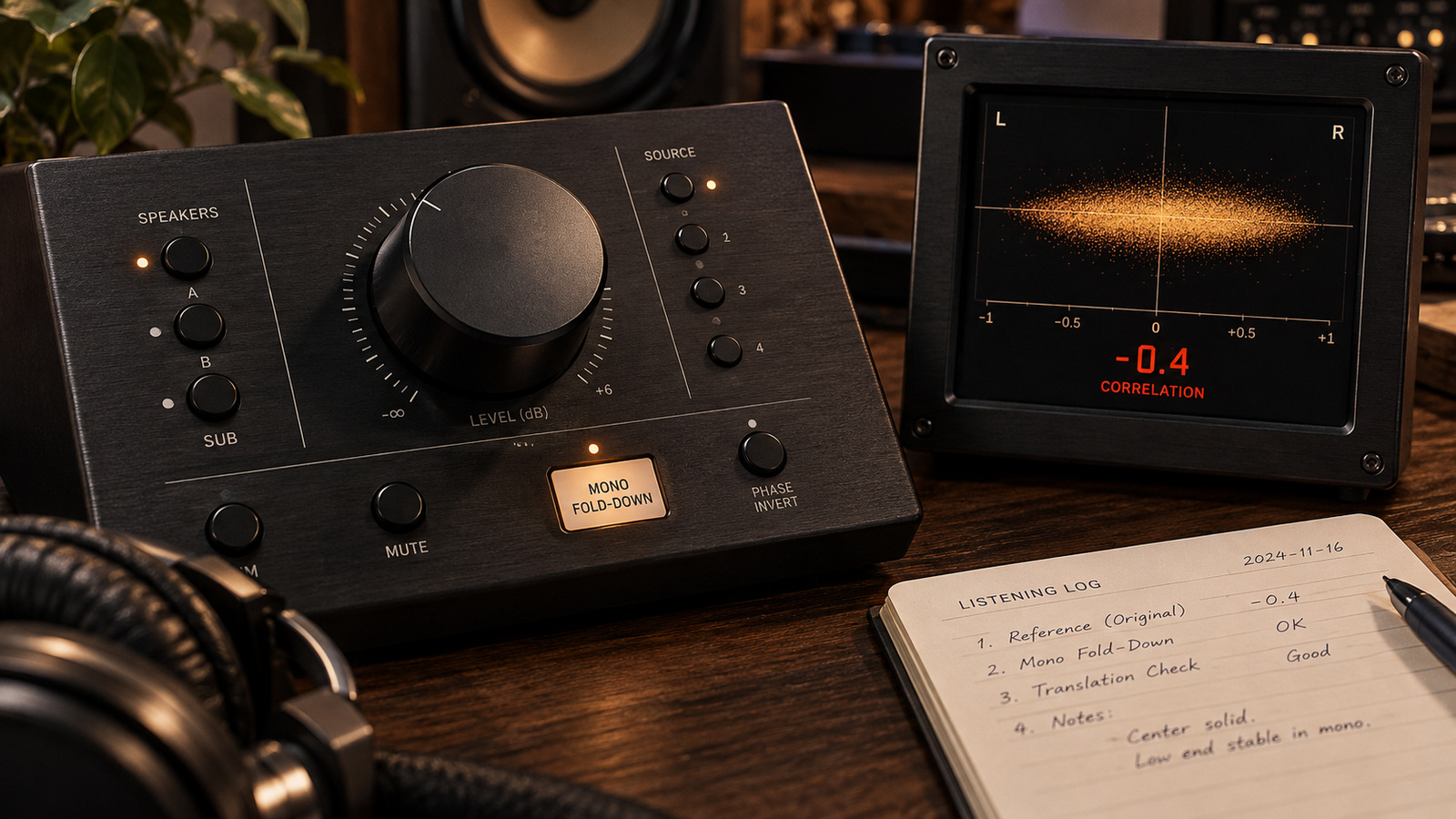
Test disappearing bass and hollow vocals, then choose between reducing width and repairing the source.
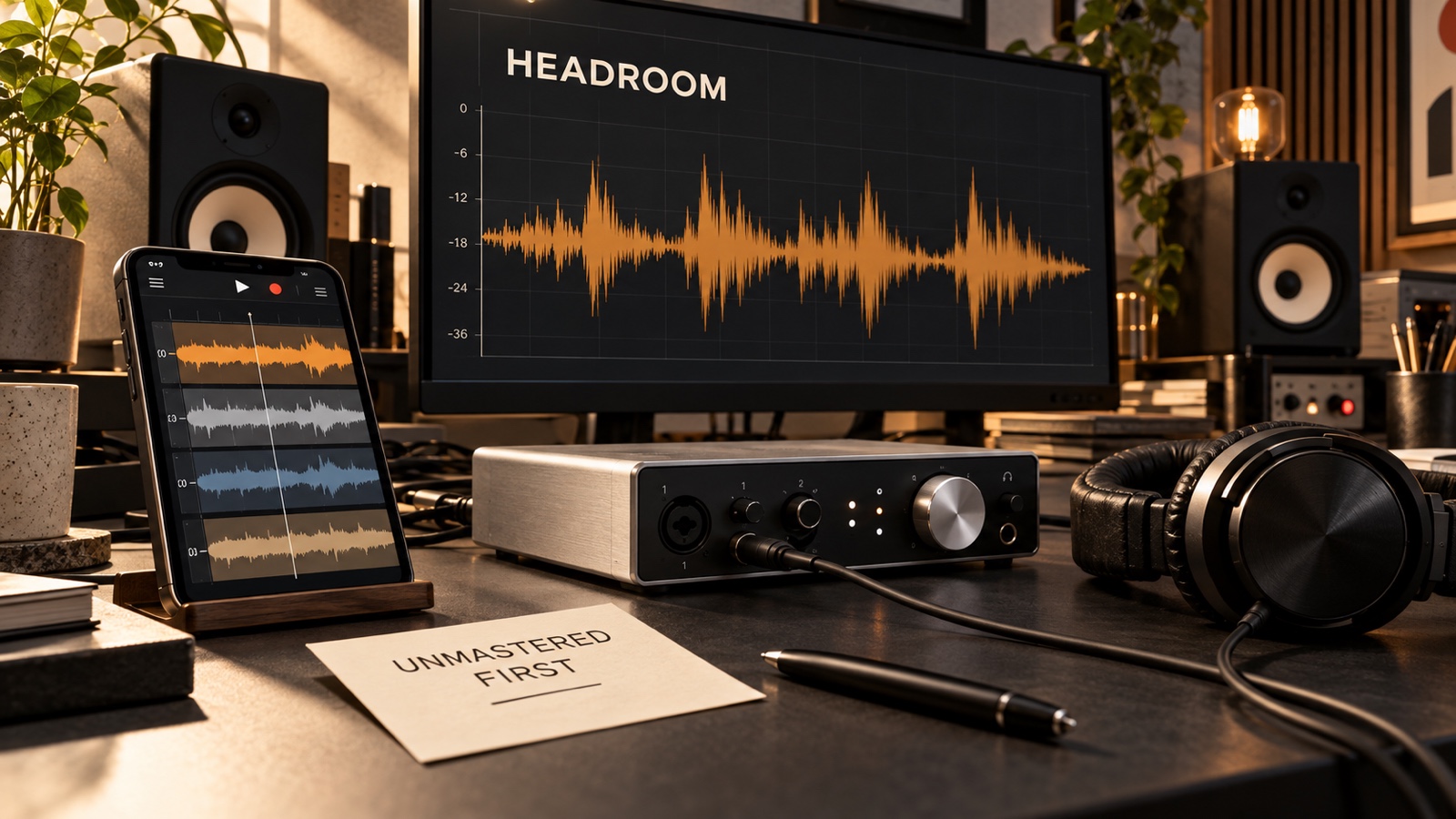
Export a clean source, unmask loops and vocals, and compare one mastering pass at matched loudness.
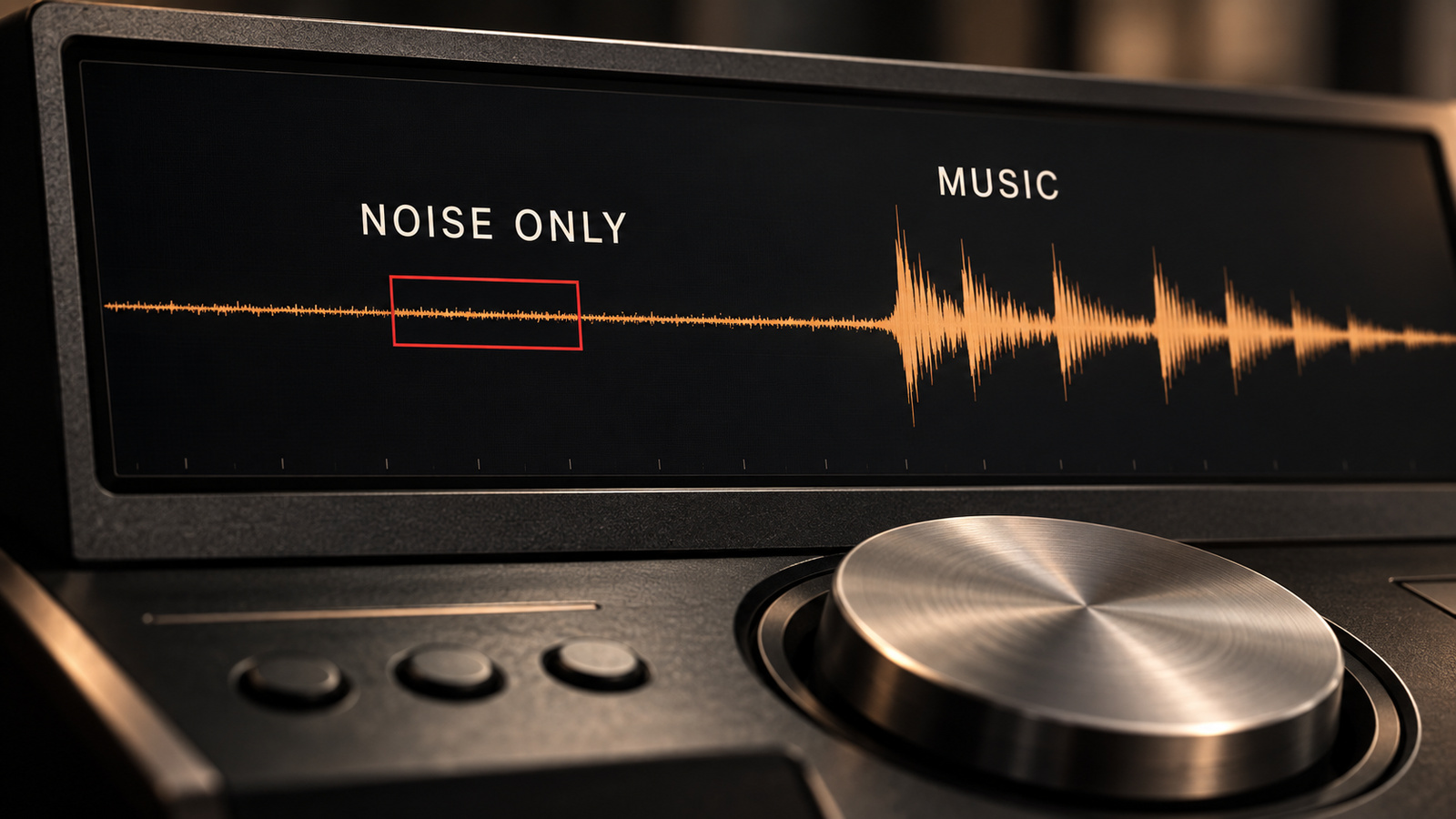
Match steady hum, low rumble, and broadband hiss to a small repair that preserves quiet musical tails.
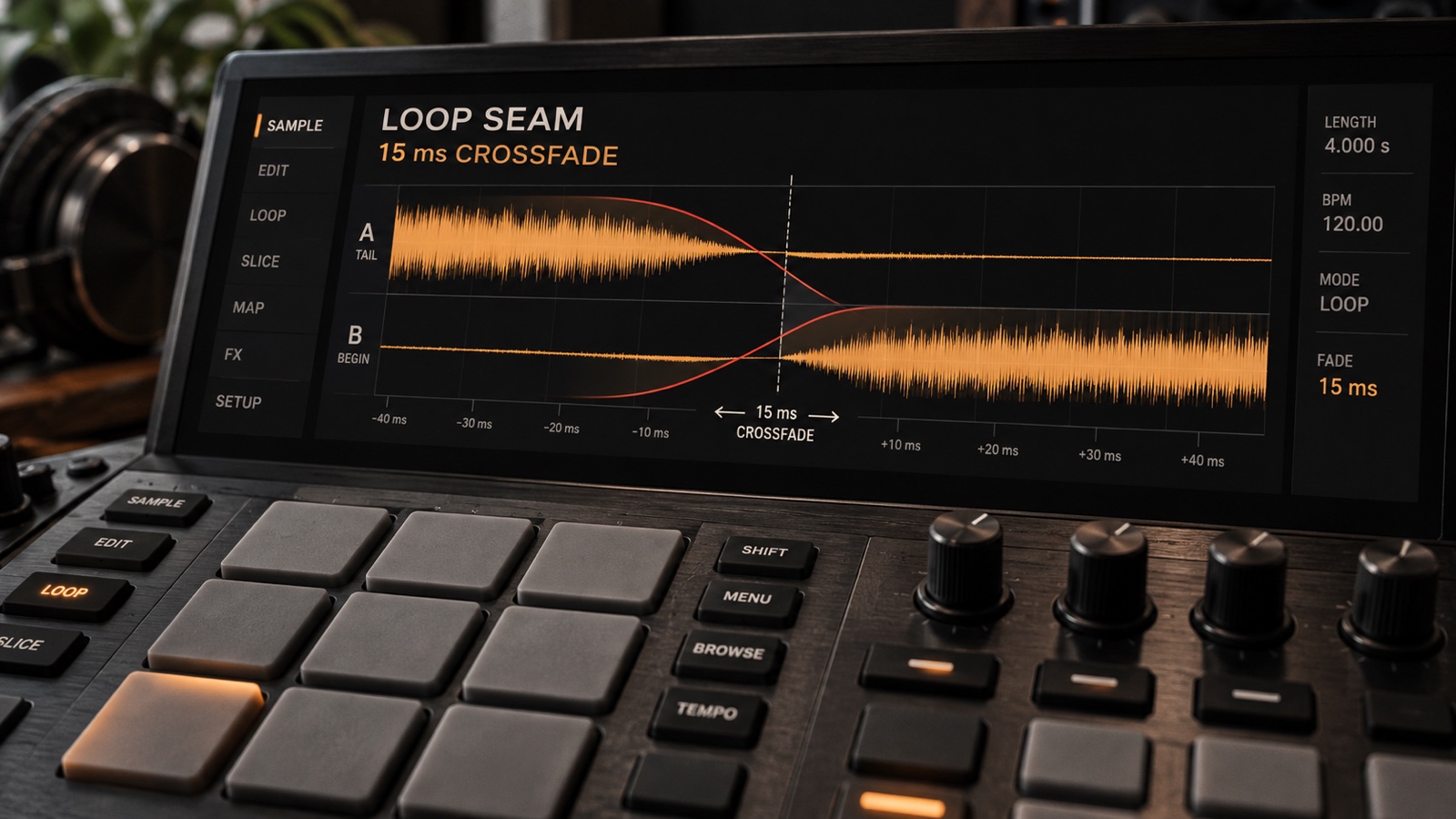
Shape softened drum attacks, control distracting stereo wash, and smooth loop seams while keeping the groove intact.
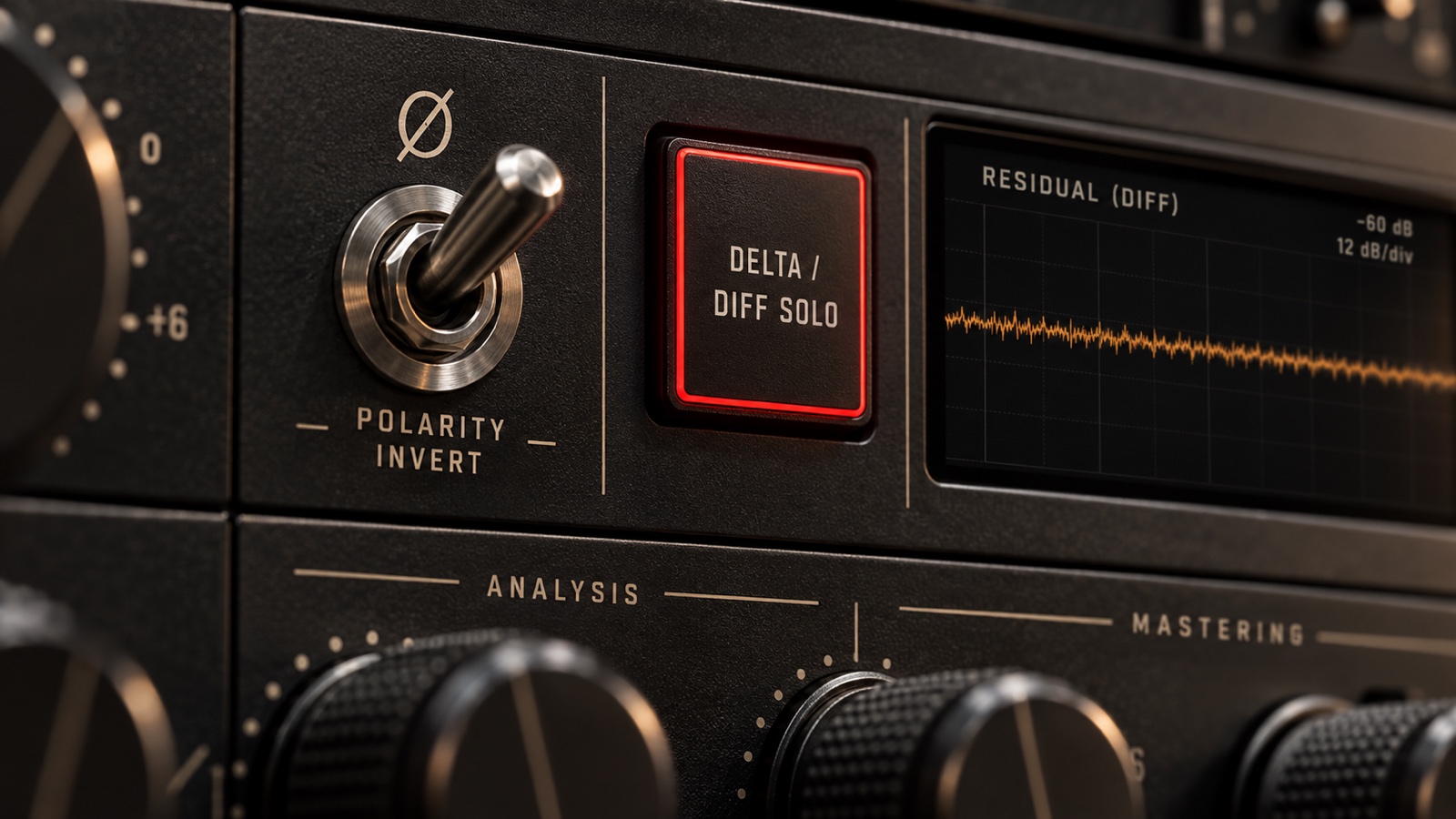
Hear the difference between original and cleaned audio, check timing and gain, and separate a useful residual from a misleading test.
Platform workflows
Each generator leaves a different editing problem. These guides keep diagnosis tied to the audible export.
Suno
Build a restrained repair chain around headroom, shimmer, masking, and cohesion instead of stacking random plugins.
Open the workflowUdio
Inspect stereo width, vocal focus, and phase before deciding whether to repair, mix, or leave the file alone.
Open the workflowTreblo
Build a repair log that records one reversible change and one level-matched result at a time.
Open the workflowMureka
Compare headphones, a phone speaker, and a car or full-range system to find where the mix falls apart.
Open the workflowBandLab
Export a clean source, unmask loops and vocals, and compare one mastering pass at matched loudness.
Open the workflowStable Audio
Shape softened drum attacks, control distracting stereo wash, and smooth loop seams while keeping the groove intact.
Open the workflowThe method
Keep an untouched export, compare at matched loudness, change one thing at a time, and stop when the musical trade-off gets worse.
The editorial approach
AI Music Fixer is built around symptom-led guidance for people making music with AI. We explain the jargon, make room for uncertainty, and keep the song at the center.
A few things worth clearing up.
Not yet. This site offers listening checks and repair workflows, not audio processing. Use the guides while you listen in your own player or editor.
Keep an untouched copy. Choose one short section and one thing that distracts you. Use the same section to judge every change.
Use the platform section for Suno, Udio, Treblo, Mureka, or BandLab. For another tool, begin with the 30-second triage and follow the audible symptom.
Keep it. Processing does not earn its place just because it took time. Try a smaller move, or leave the part alone.
The whole library